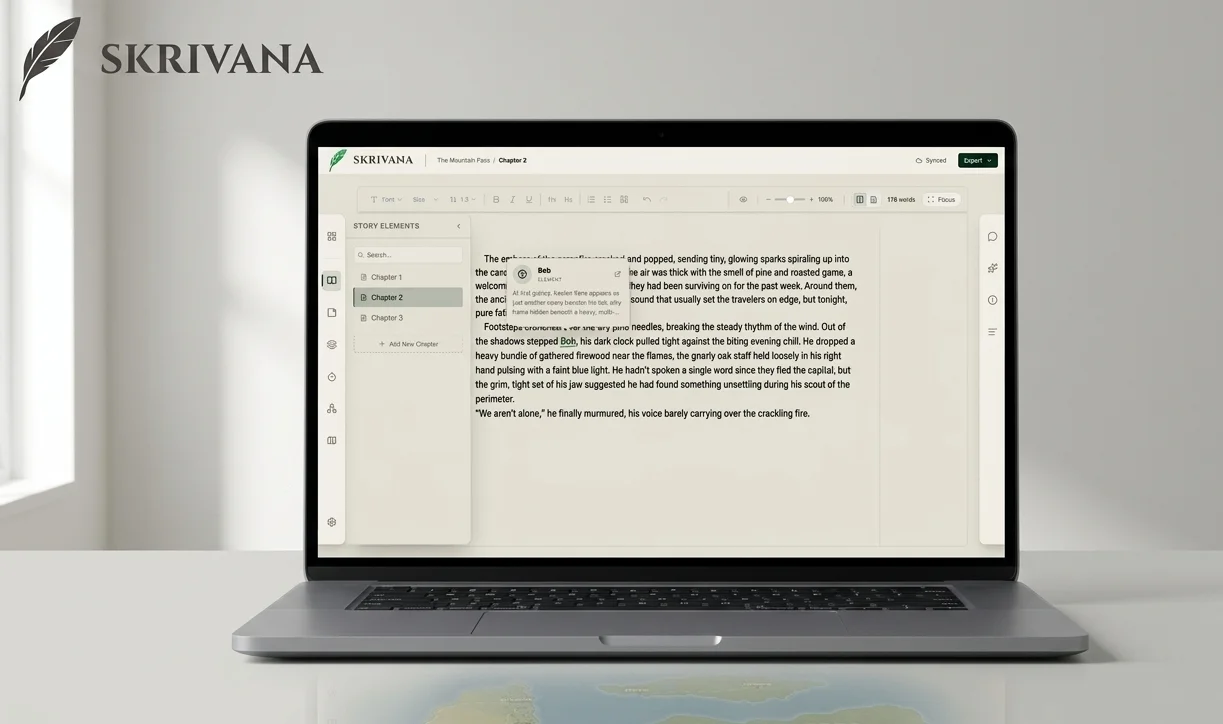
Writing a story and building the world around it are two completely different activities, but they are deeply connected. The problem is that almost every tool treats them separately.
You write in one app. Your character notes live somewhere else. Your map is a PNG exported from some other tool that has no idea your story exists. Every time you need to check something, what color were her eyes, what is the name of that kingdom to the east, you're pulling yourself out of the flow you worked hard to get into.
That is the friction Skrivana is built to eliminate.
The Problem with Existing Writing and Worldbuilding Tools
I am primarily a builder, but I write too. When I sat down to work on a story with any real complexity, I kept running into the same wall. The tools built for writing were not built for worldbuilding. The tools built for worldbuilding weren't built for writing. Nothing brought them together in a way that actually felt good to use.
So I built Skrivana: a writing app with worldbuilding built in, designed to keep everything in one place.
A Quiet, Minimalist Editor
The writing side of Skrivana is intentionally minimal. A clean editor, chapter organization, auto-save, word count tracking. Everything a fiction writer needs, nothing they don't. The goal is simple: sit down and write without the interface getting in the way. Need an even more focused experience? Turn on focus mode to remove all distractions from the editor.
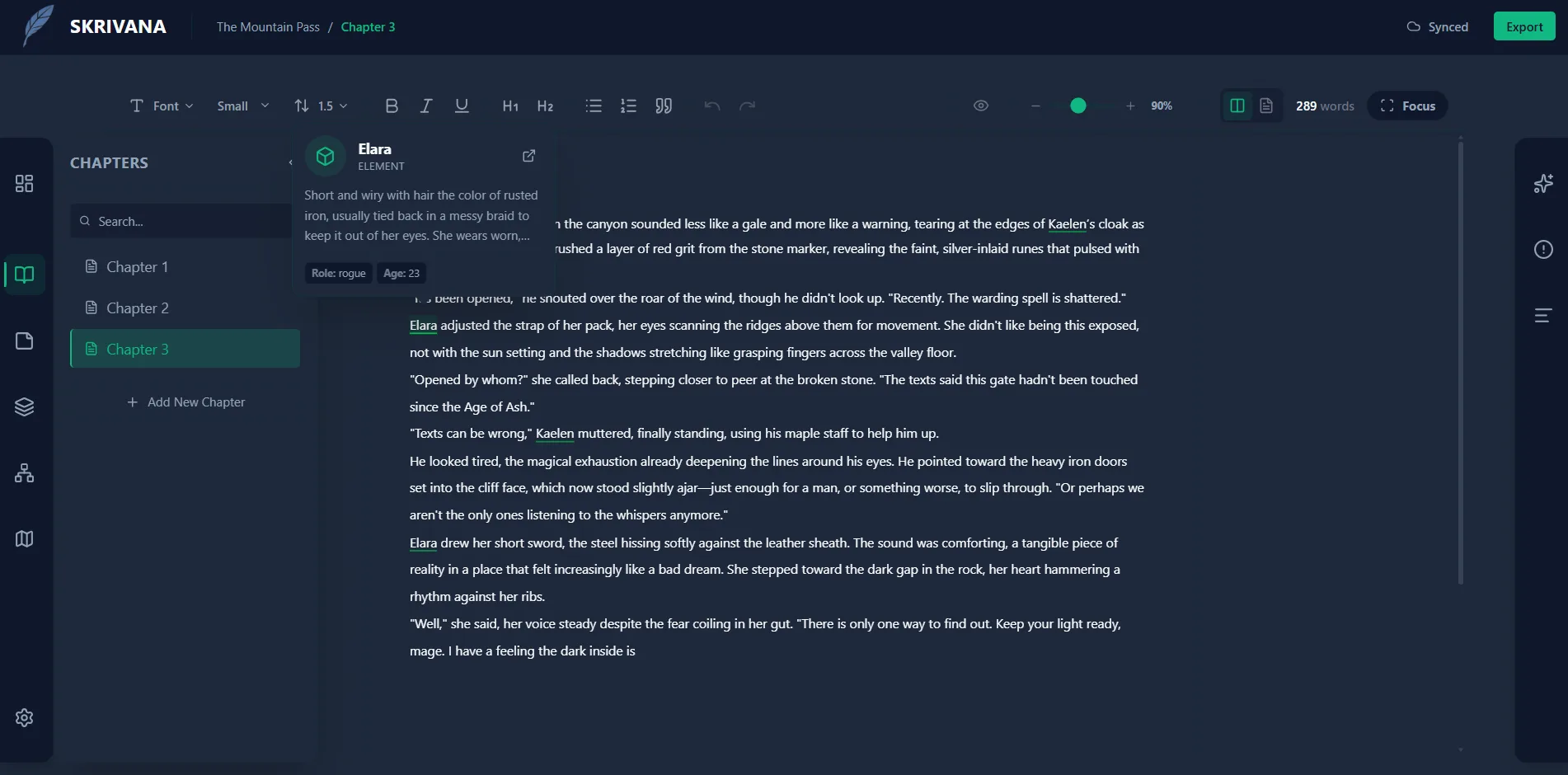
When you're mid-scene, a cluttered toolbar is the last thing you need. Skrivana stays quiet until you need it.
Track Characters and Lore Without Losing Your Place
This is where Skrivana starts to feel meaningfully different from a plain writing app.
Every story accumulates things to track: characters, locations, factions, artifacts, bits of lore you invented in chapter two that become important in chapter fourteen. In Skrivana, all of that lives in story element sheets, structured and linkable records you can create for anything in your world.
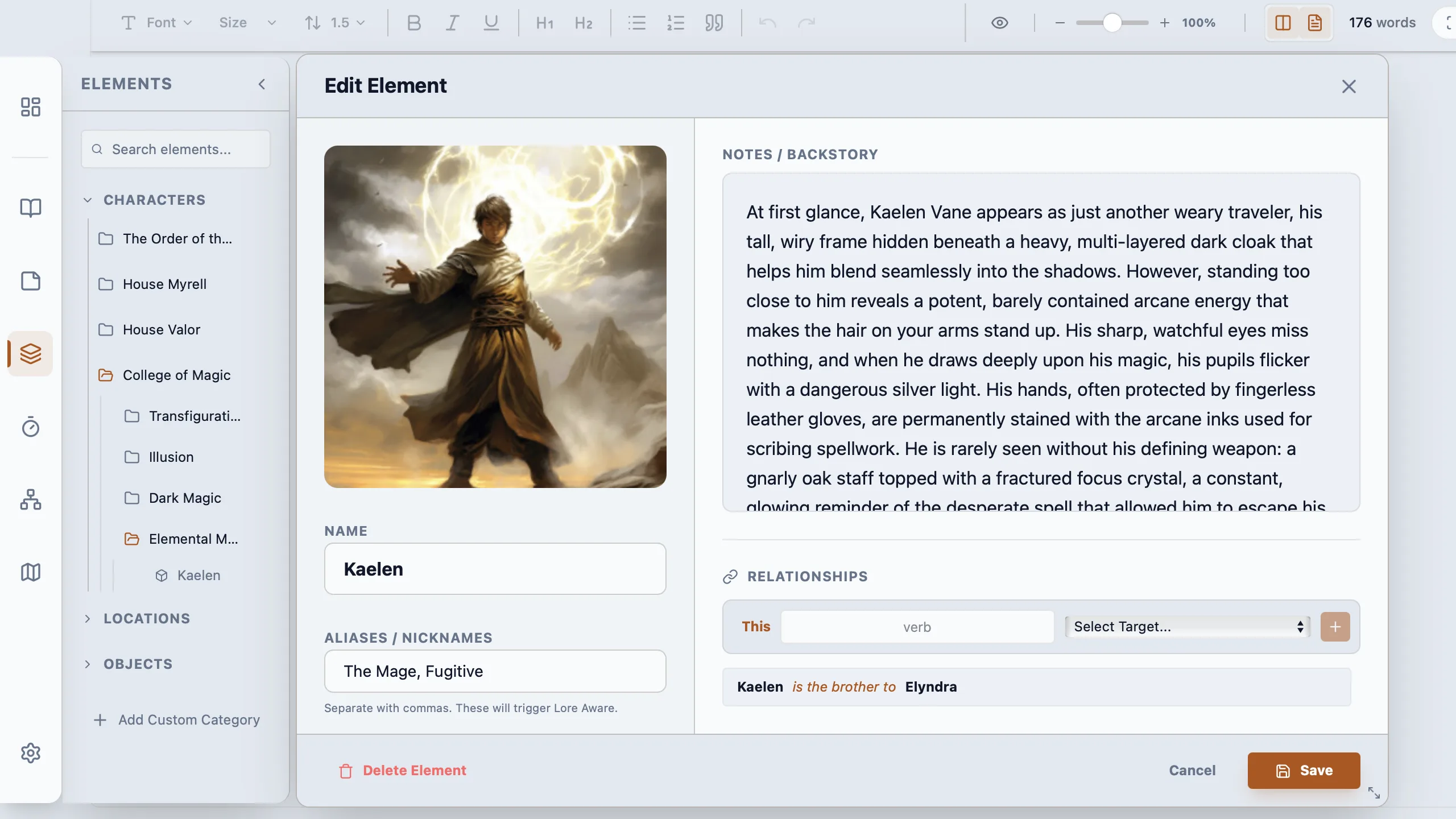
A character sheet might hold backstory, relationships, and arc notes. A location sheet might track history, factions, and atmosphere. And because everything is in the same app as your manuscript, you can jump from a reference in your draft straight to the relevant sheet without losing your place.
For anything else you need to jot down, Skrivana has nested notes where you can organize your mind.
Plot Diagrams and Story Outlines
Good stories are planned, even when the planning happens informally. Skrivana gives you dedicated tools for mapping out your plot before you write it, or for documenting structure as it emerges during drafting.
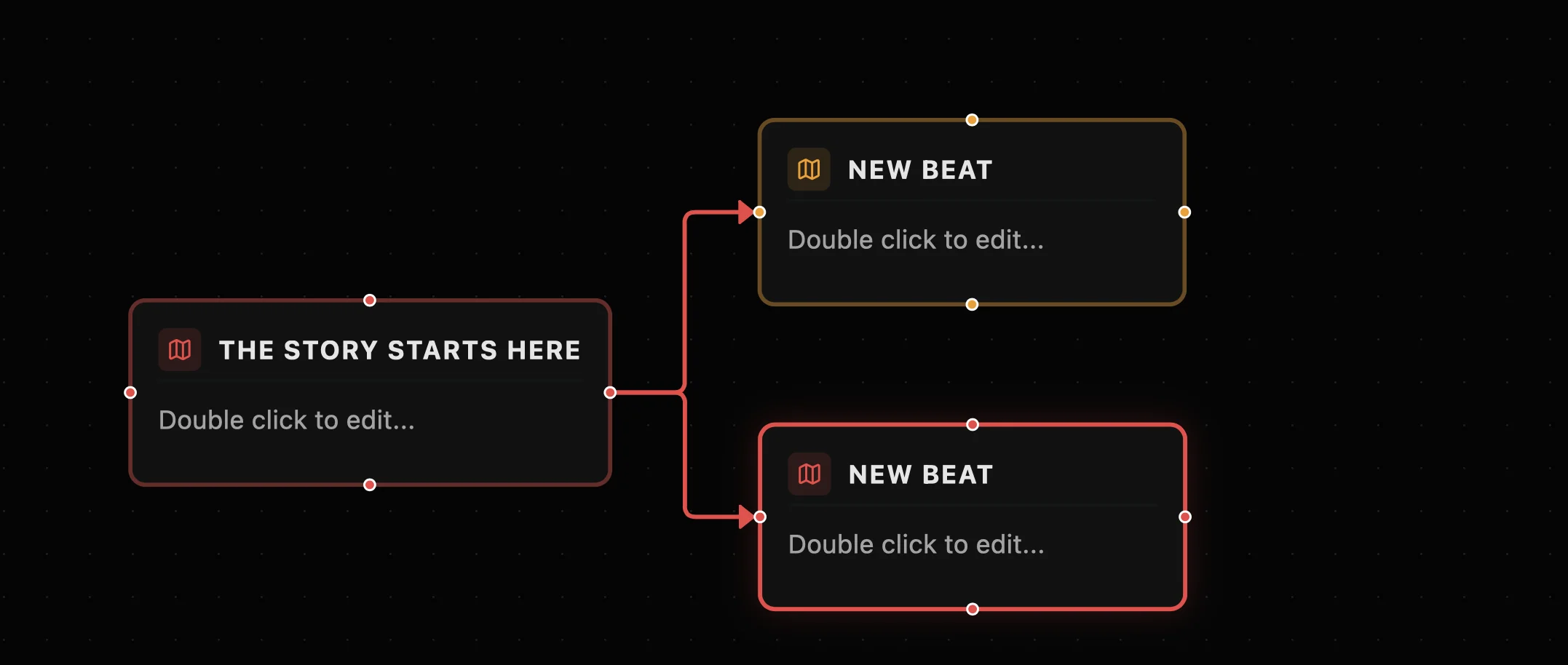
Whether you prefer a loose scene-by-scene outline or a visual plot diagram, Skrivana keeps your structure in the same place as your manuscript and your world.
A Map Builder That Grows with Your Story
Fantasy writers often draw maps. Even when the map never appears in the final book, knowing the geography shapes how you write the story. Distances feel real. Journeys have weight. The world has a shape you can point to.
Skrivana has a map builder built in, so you can create and update your world map as part of the same workflow as your writing, not in a separate tool that exists in its own silo.
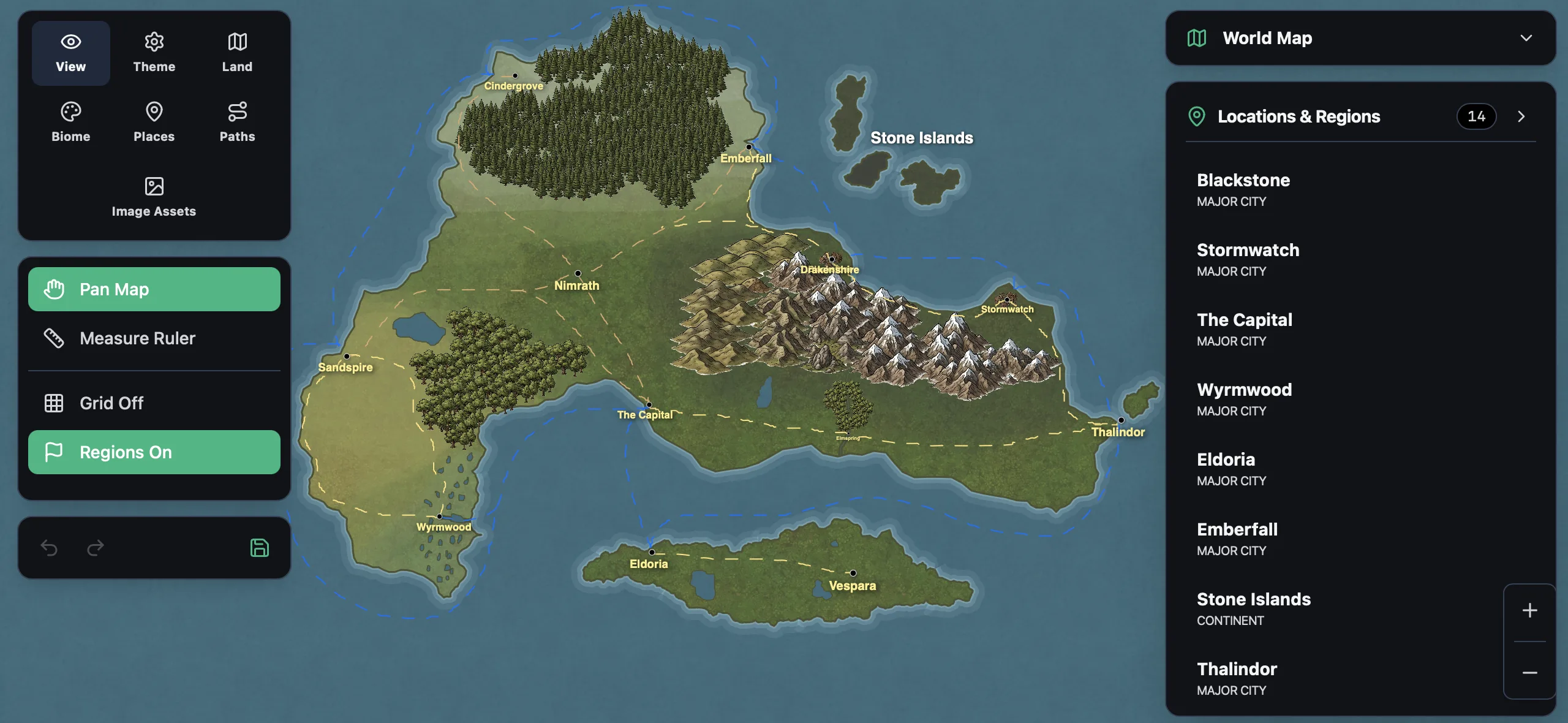
Drop locations onto the map, name them, and link them directly to your story element sheets. As your world grows, your map grows with it.
AI Tools That Help You Think, Not Write for You
Skrivana has AI tools built in, and I feel that it is important to note why I've included them.
The AI in Skrivana is not there to write your story. Your story should come from you. What the AI is genuinely useful for is the thinking work that surrounds the writing: bouncing ideas around when you are stuck on a plot problem, checking whether a piece of lore you established in your story elements contradicts what you are writing now, brainstorming names or factions or historical events that fit the world you have built.
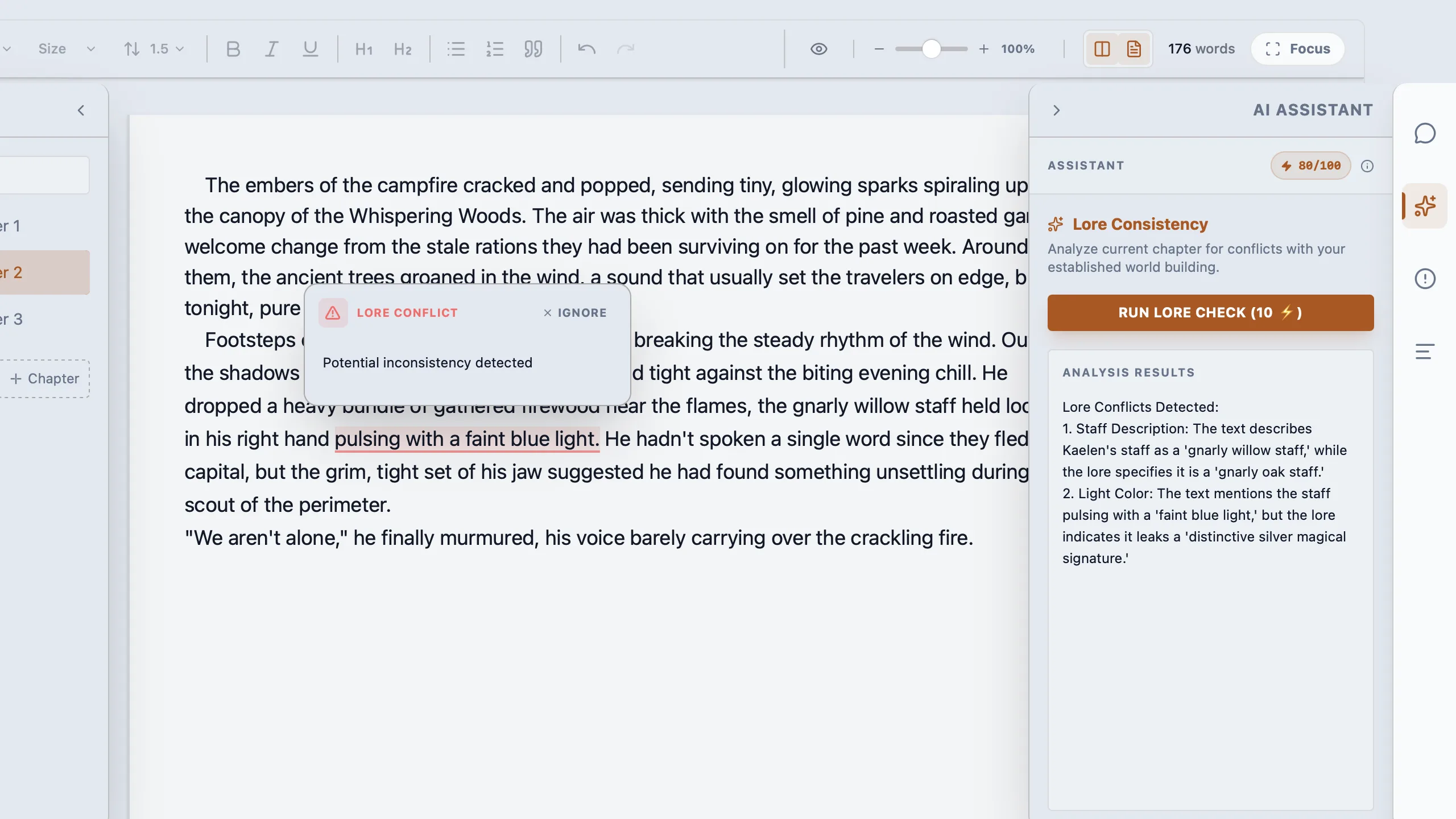
Think of it less like a ghostwriter and more like a knowledgeable reader who has absorbed what you have in your notes and can help you think out loud. The words on the page are still yours.
Writing Stats to Keep You Moving
Writing a novel is a long game, and it is easy to lose a sense of momentum when you are deep in a draft. Skrivana tracks your writing stats so you can see your progress clearly: words written, sessions logged, streaks maintained.
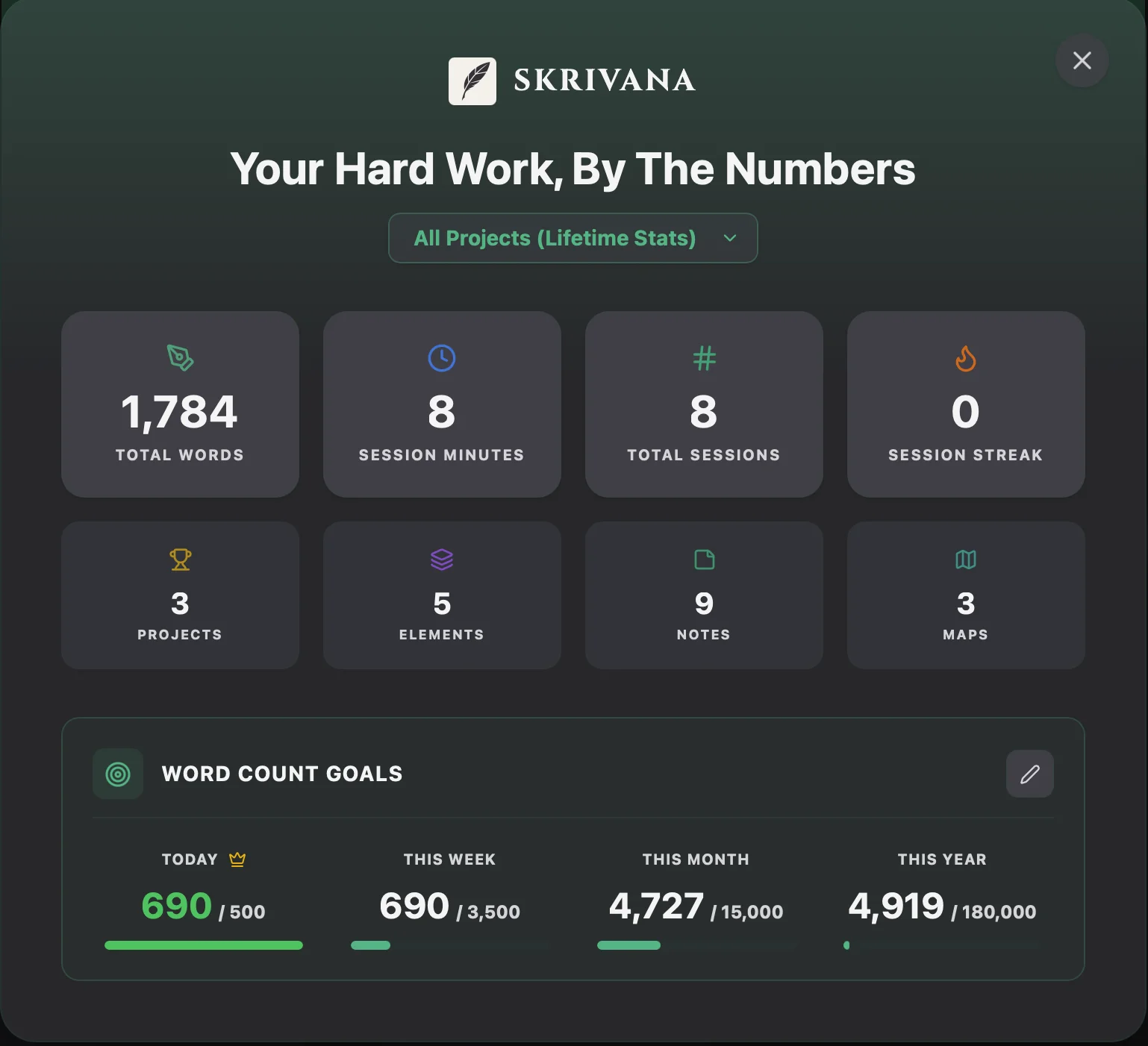
Small things like a daily word count and a writing streak do more for finishing a book than most writers expect. Seeing the numbers move is motivating in a way that is hard to replicate otherwise.
What Is Next for Skrivana
Skrivana is still early. There is a lot more to build. But the foundation, writing and worldbuilding together in one focused app, is solid and working.
If you have been piecing your writing workflow together across multiple apps, give Skrivana a try. I would love to hear what you think.